Creating Page in Next.js

Next.js is a React framework to build websites. Next.js creates page routes based on file and folder structure. For example, if we want to create a url like /contact-us, we need to create a JavaScript file with file name contact-us.js under /pages folder.
Each JavaScript file should export a React Component. Here is an example content that can go inside contact-us.js:
const ContactUs = () => {
  return <h1>Contact us page</h1>;
};

export default ContactUs;
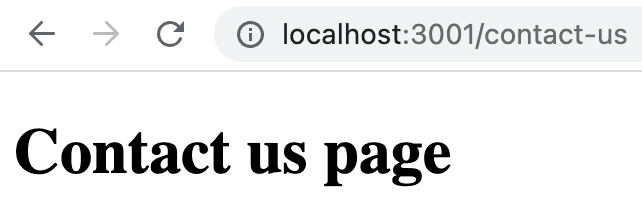
If we run the project, we can see below page in /contact-us url.
Non React JavaScript file
As mentioned earlier, each page files should return a React component. What if we are simply creating a JavaScript file under /pages folder? Let us try.
For that, create a file under /pages folder with name testfile.js. Fill the file using below content:
console.log("Test file");
Now try to access /testfile url. Next.js will clearly show the error to us as shown below:

Nested URL
If we want to create a URL like /students/list, then we need to first create list.js file under /pages/students folder.
The list.js file should return a React component.