Delete All Git Branches that Follows a Pattern
· One min read

I try to write one article for each day. When I get time, I write articles for future dates also. I then keep each future articles in their own branch names like 2023-02-04, 2023-02-05. On the day of publishing, I merge the corresponding branch to master branch.
Now, once January is over, I had to delete all branches starting with 2023-01. Here is how I did it.
First select the correct branch names using grep.
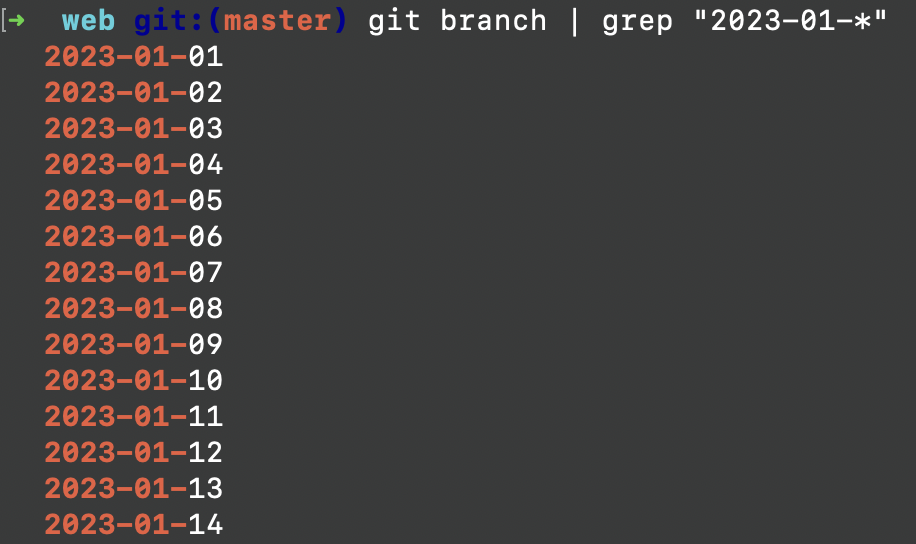
git branch | grep "2023-01-*"
Above command lists out all branch names starting with 2023-01- as shown below.
We then pipe the output to git branch -D command to delete each branch names. So, this is the full command which selects the branch names and deletes it, in one step.
git branch | grep "2023-01-*" | xargs git branch -D